<!-- RTOSafe Help — rendered version: https://rtosafe.com.au/help/delivery-streams -->

# Set Up Delivery

After syncing your scope, you need to tell RTOSafe which units you actually deliver for each qualification, skill set, or accredited course. This helps RTOSafe show the right units when assigning scope to staff and setting up validation strategies.

***

## Before You Start

[Sync your scope](/help/scope-sync) from Training.Gov first. You can't set up delivery until your qualifications and units are imported.

***

## Setting Up a Qualification or Skill Set

<div class="help-stepper">

<div class="help-step">
<div class="help-step-number">1</div>
<div class="help-step-content">

Go to [**Scope**](https://app.rtosafe.com.au/Scope) and select the **Needs Setup** tab

</div>
</div>

<div class="help-step">
<div class="help-step-number">2</div>
<div class="help-step-content">

Click **Start Setup** next to the qualification or skill set you want to configure

</div>
</div>

<div class="help-step">
<div class="help-step-number">3</div>
<div class="help-step-content">

Add the units or modules you deliver by selecting them from the dropdown

</div>
</div>

<div class="help-step">
<div class="help-step-number">4</div>
<div class="help-step-content">

When you've added all the units you deliver, click **Complete Setup**

</div>
</div>

</div>

<div class="help-hint bg-green-50 border-green-300 text-green-800">
<svg class="w-5 h-5 shrink-0" fill="currentColor" viewBox="0 0 20 20"><path fill-rule="evenodd" d="M10 18a8 8 0 100-16 8 8 0 000 16zm3.707-9.293a1 1 0 00-1.414-1.414L9 10.586 7.707 9.293a1 1 0 00-1.414 1.414l2 2a1 1 0 001.414 0l4-4z" clip-rule="evenodd"></path></svg>
<div class="help-hint-content">

Got a lot of qualifications to set up? Contact support and we can help configure these in bulk.

</div>
</div>

***

## Delivery Streams

RTOSafe supports multiple delivery streams if you deliver qualifications in different ways (e.g., aged care vs disability). Click **Add Stream** to create additional streams.

***

## Skill Sets You Don't Deliver

Training.gov.au sometimes adds skill sets to your scope that you don't actually deliver — usually because they come along automatically with units you teach.

If you don't deliver a skill set, mark it as **not delivered**. RTOSafe will leave it out of your setup workflows and validation reports, and move it to the Inactive Scope tab. You can change your mind any time.

<div class="help-hint bg-blue-50 border-blue-300 text-blue-800">
<svg class="w-5 h-5 shrink-0" fill="currentColor" viewBox="0 0 20 20"><path fill-rule="evenodd" d="M18 10a8 8 0 11-16 0 8 8 0 0116 0zm-7-4a1 1 0 11-2 0 1 1 0 012 0zM9 9a1 1 0 000 2v3a1 1 0 001 1h1a1 1 0 100-2v-3a1 1 0 00-1-1H9z" clip-rule="evenodd"></path></svg>
<div class="help-hint-content">

This option is only for skill sets. Qualifications and accredited courses always need delivery setup and a validation strategy.

</div>
</div>

<div class="help-stepper">

<div class="help-step">
<div class="help-step-number">1</div>
<div class="help-step-content">

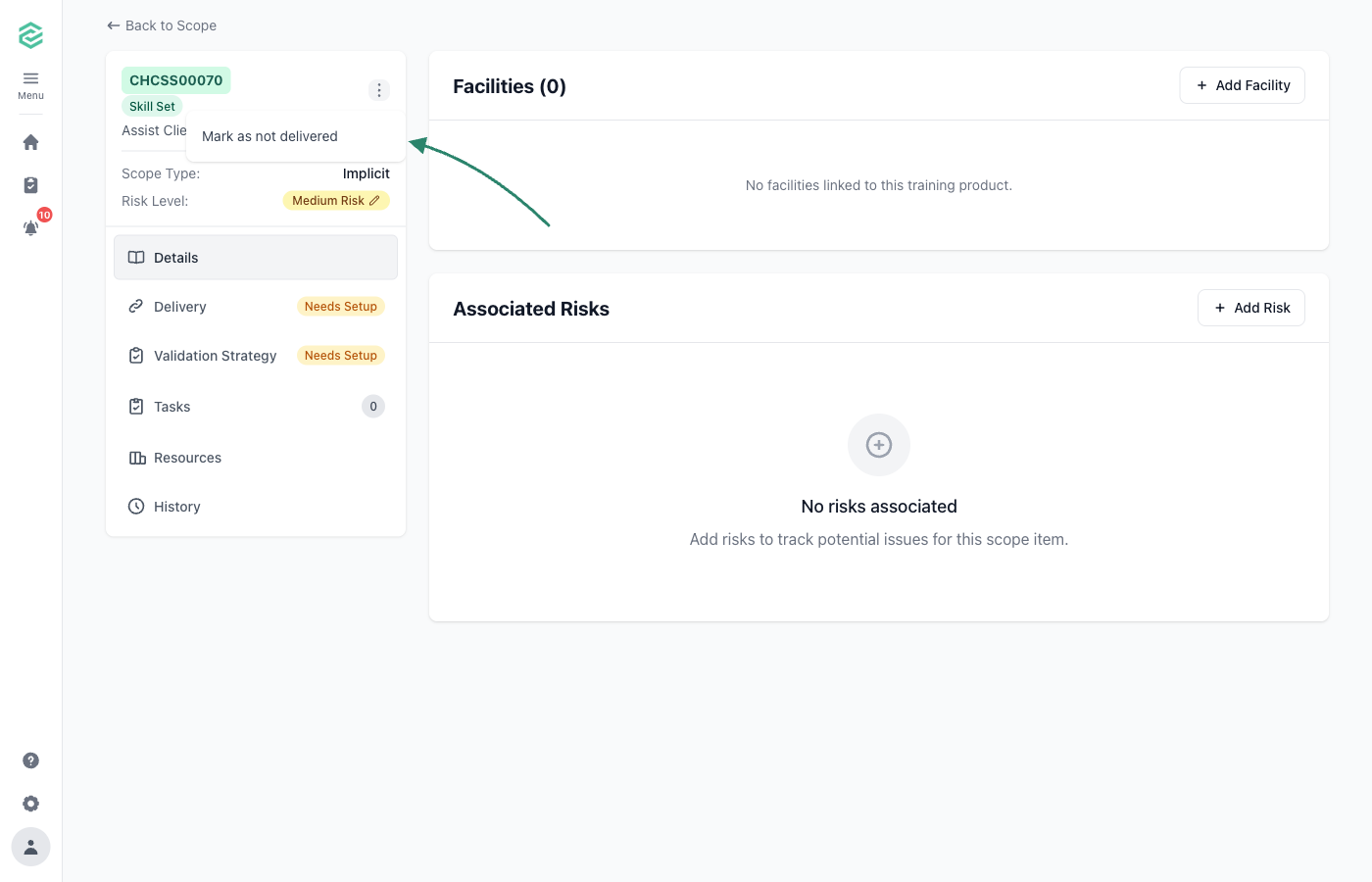
Open the skill set from [**Scope**](https://app.rtosafe.com.au/Scope) and click the **three dots** at the top of the sidebar

<figure><img src="/help/assets/skill-set-not-delivered-1.png" alt="Skill set sidebar with the actions menu open and an arrow pointing to the Mark as not delivered option"><figcaption></figcaption></figure>

</div>
</div>

<div class="help-step">
<div class="help-step-number">2</div>
<div class="help-step-content">

Choose **Mark as not delivered** and confirm

</div>
</div>

<div class="help-step">
<div class="help-step-number">3</div>
<div class="help-step-content">

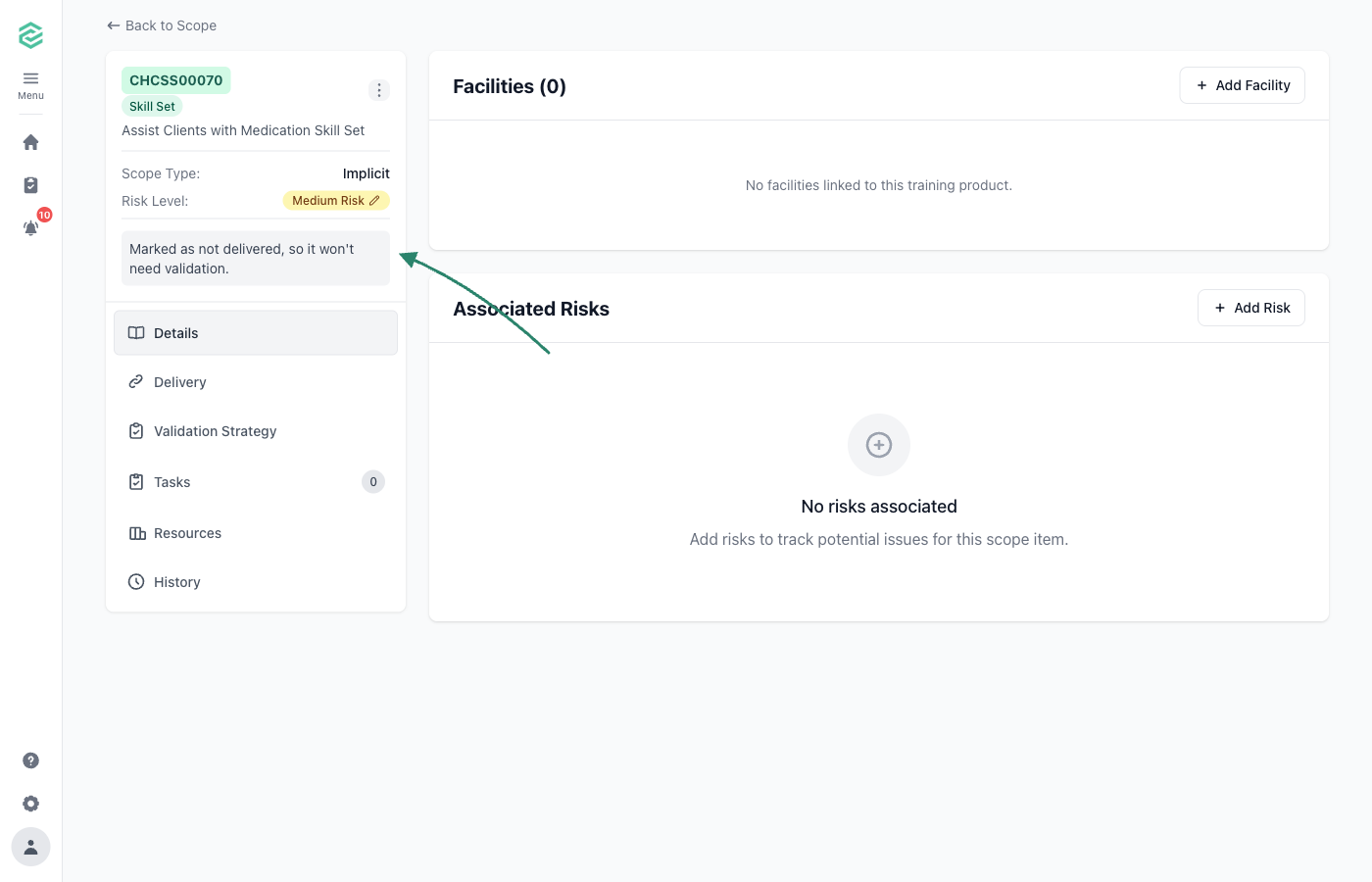
The sidebar confirms the skill set is now marked as not delivered, and it moves to the Inactive Scope tab

<figure><img src="/help/assets/skill-set-not-delivered-2.png" alt="Skill set sidebar showing the Marked as not delivered confirmation"><figcaption></figcaption></figure>

</div>
</div>

</div>

***

## Common Issues

<details>

<summary><strong>Can't find a unit in the dropdown</strong></summary>

The unit might not be on your scope yet. Sync with Training.Gov to import missing units.

</details>

<details>

<summary><strong>Complete Setup button is greyed out</strong></summary>

Add at least one unit before completing setup.
</details>