
RTOSafe Help
No results found.
What is RTOSafe? Log in
    • Log In to RTOSafe
    • Quick Start
    • Getting Support
    • Providing Feedback
    • Staff Portal Overview
    • Add Staff
    • Set Up Reporting Lines
    • Deactivate Staff
    • Assign Scope
      • Bulk Scope Import
    • Employment History
    • Staff Documents
      • Add Qualifications & Units
      • Renew a Credential
      • Set Up Document Types
      • Set Up Document Requirements
      • Set Up Requirement Sets
    • Link Competency Evidence
    • Uploaded and Online Policies
    • Upload Policies
    • Create a New Version
    • Make a Policy Public
    • Policy Analysis
    • Staff Agreements
      • Monitoring Agreements
      • Weekly Reminders
    • Recording PD Activities
    • Approving PD Activities
    • Setting Trainer Currency Benchmarks
    • Managing PD Plans and Goals
      • Creating PD Plans
      • Using PD Plan Templates
      • Copied or Shared Activities
    • Generating the Trainer Matrix
    • Reporting on PD
    • Getting Started
    • Review a Clause
    • Link Evidence
    • Run a Gap Analysis
    • Enable or Disable Standards
    • Find Your Next Job in My Work
    • Create and Manage Tasks
    • Scope Sync
    • Non-accredited Units
    • Set Up Delivery
    • Validations
      • Set Risk Levels for Units
      • Create a Validation Strategy
      • Validation Program
      • Record a Validation
    • Track Renewals
    • Setting Up Complaints
    • Managing Complaints
    • Public Complaints Form
    • Record Feedback
      • Actioning Feedback
      • Analyse Form Responses
      • Track Feedback Trends
    • Design a Feedback Form
      • Share a Feedback Form
    • Set Up Quality Indicator Surveys
      • Review Quality Indicator Results
    • Marketing & Information Register
    • Reviewing Materials
    • Updating and Withdrawing
    • Continuous Improvement
    • Create a Risk
    • Add Controls and Review a Risk
    • Use the Risk Assistant
    • AI Risk Suggestions
    • Set Up Stakeholders
    • Record Engagement
    • Meeting Register
    • Meeting Templates
    • Set Up Login Settings
    • Set Up MFA on Your Account
    • Reset MFA for a Staff Member
    • Set Up Access Profiles
      • Assign an Access Profile
    • Invite a Consultant
    • External Branding
    • Set Up Your Validation Program
    • Staff Portal Onboarding Checklist
    • Staff Portal Guide
    • Add a PD Activity
    • Upload and Renew Your Documents
    • Reset Your Password
    • Submit Feedback

New to RTOSafe?

Compliance management built for Australian RTOs. See how it works.

Learn more about RTOSafe
    • Log In to RTOSafe
    • Quick Start
    • Getting Support
    • Providing Feedback
    • Staff Portal Overview
    • Add Staff
    • Set Up Reporting Lines
    • Deactivate Staff
    • Assign Scope
      • Bulk Scope Import
    • Employment History
    • Staff Documents
      • Add Qualifications & Units
      • Renew a Credential
      • Set Up Document Types
      • Set Up Document Requirements
      • Set Up Requirement Sets
    • Link Competency Evidence
    • Uploaded and Online Policies
    • Upload Policies
    • Create a New Version
    • Make a Policy Public
    • Policy Analysis
    • Staff Agreements
      • Monitoring Agreements
      • Weekly Reminders
    • Recording PD Activities
    • Approving PD Activities
    • Setting Trainer Currency Benchmarks
    • Managing PD Plans and Goals
      • Creating PD Plans
      • Using PD Plan Templates
      • Copied or Shared Activities
    • Generating the Trainer Matrix
    • Reporting on PD
    • Getting Started
    • Review a Clause
    • Link Evidence
    • Run a Gap Analysis
    • Enable or Disable Standards
    • Find Your Next Job in My Work
    • Create and Manage Tasks
    • Scope Sync
    • Non-accredited Units
    • Set Up Delivery
    • Validations
      • Set Risk Levels for Units
      • Create a Validation Strategy
      • Validation Program
      • Record a Validation
    • Track Renewals
    • Setting Up Complaints
    • Managing Complaints
    • Public Complaints Form
    • Record Feedback
      • Actioning Feedback
      • Analyse Form Responses
      • Track Feedback Trends
    • Design a Feedback Form
      • Share a Feedback Form
    • Set Up Quality Indicator Surveys
      • Review Quality Indicator Results
    • Marketing & Information Register
    • Reviewing Materials
    • Updating and Withdrawing
    • Continuous Improvement
    • Create a Risk
    • Add Controls and Review a Risk
    • Use the Risk Assistant
    • AI Risk Suggestions
    • Set Up Stakeholders
    • Record Engagement
    • Meeting Register
    • Meeting Templates
    • Set Up Login Settings
    • Set Up MFA on Your Account
    • Reset MFA for a Staff Member
    • Set Up Access Profiles
      • Assign an Access Profile
    • Invite a Consultant
    • External Branding
    • Set Up Your Validation Program
    • Staff Portal Onboarding Checklist
    • Staff Portal Guide
    • Add a PD Activity
    • Upload and Renew Your Documents
    • Reset Your Password
    • Submit Feedback

New to RTOSafe?

Compliance management built for Australian RTOs. See how it works.

Learn more about RTOSafe

Quick Start

Here’s what to set up first:
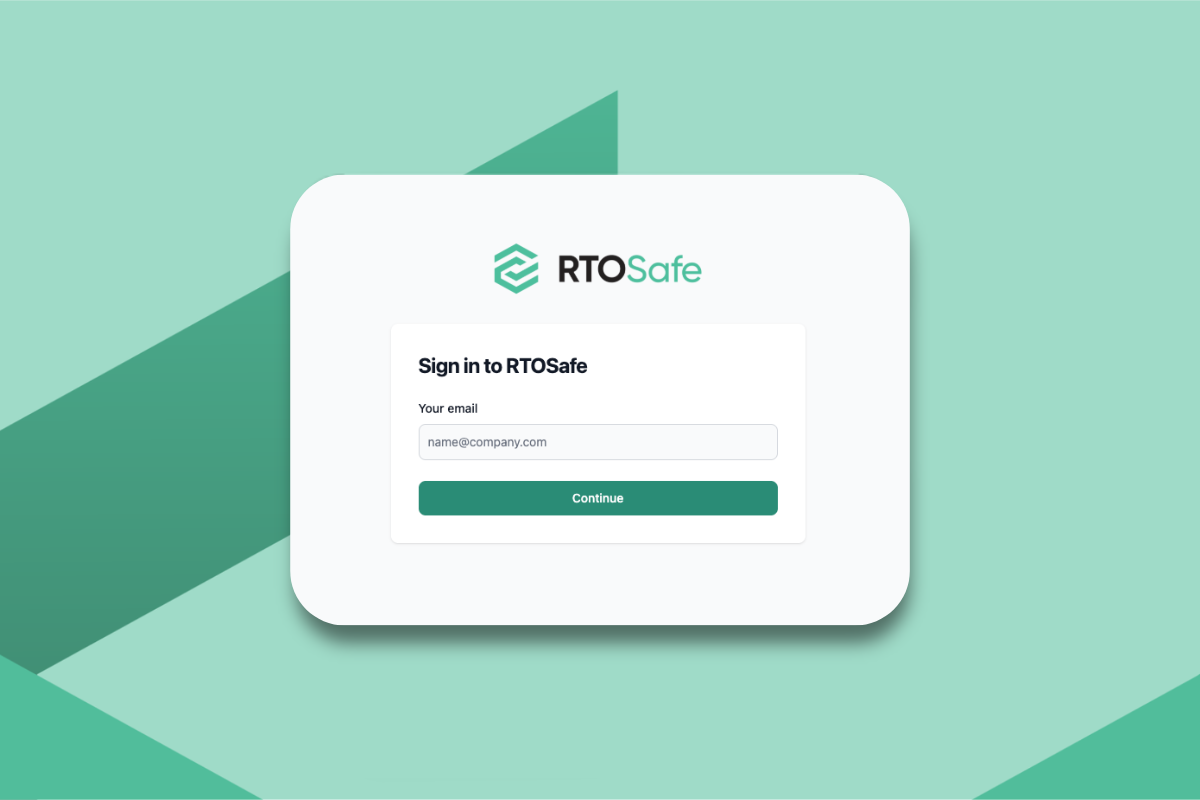
Login settings setup

Set up your login settings

So your team can access RTOSafe securely.

Adding staff members in RTOSafe

Add your staff members

So they can log PD, agree to policies, and stay on top of compliance.

Uploading policies and procedures

Upload your policies and procedures

So you have evidence staff have read and agreed to them.

Creating compliance tasks with due dates

Create tasks for important dates

So nothing falls through the cracks.
Setting up delivery streams and qualification units

Set up your delivery

So RTOSafe knows which units you deliver for each qualification.

Renewals register tracking registrations, insurance, and contract expiries

Add your renewals

So you're alerted before registrations, insurance, or contracts expire.

Log In to RTOSafe Getting Support