
Submit Feedback
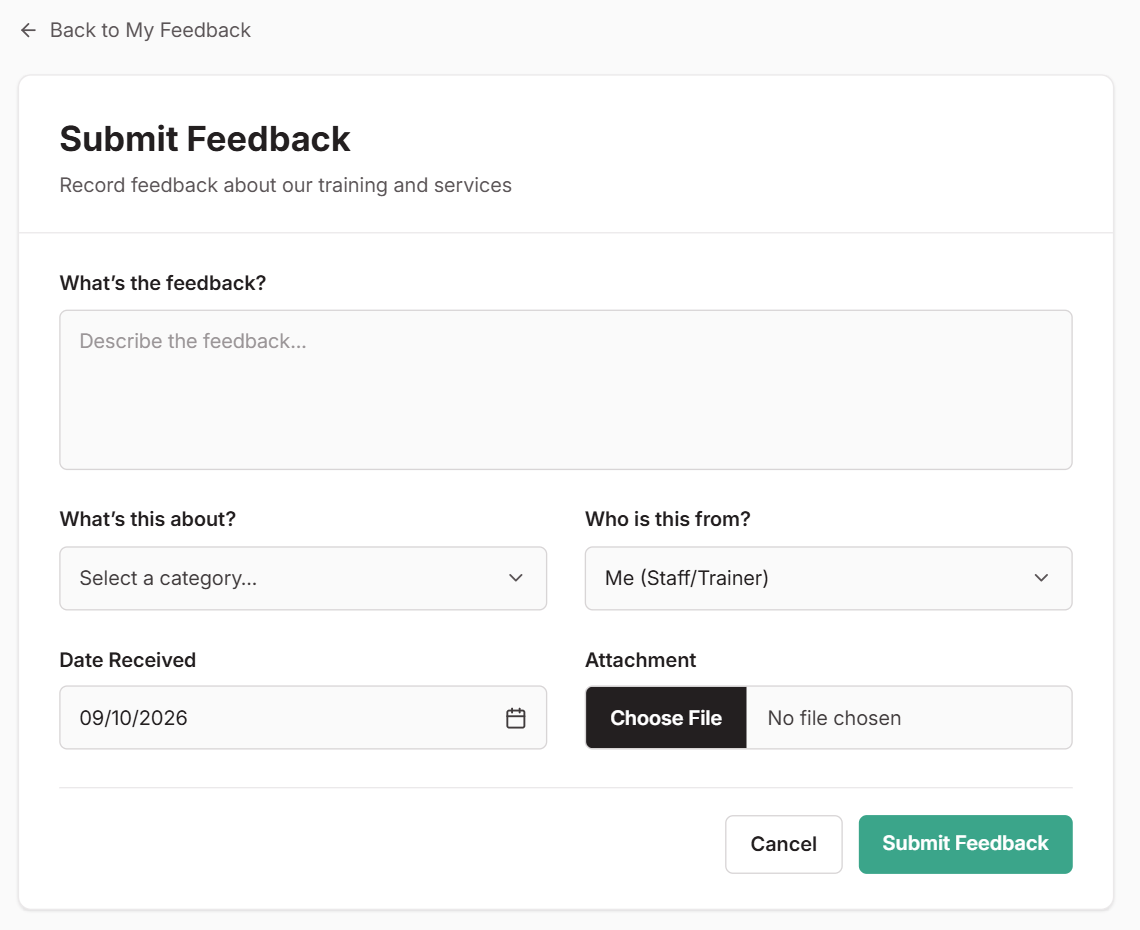
Use Submit Feedback to log comments, suggestions or concerns you hear from students, employers or anyone connected to your RTO. It doesn’t have to be your own feedback. If a student mentions something in passing or an employer raises a concern, log it here so it doesn’t get lost.
Select Submit Feedback on your portal home page, then Submit New Feedback. Describe what was said, choose what it’s about and who it’s from, and submit. Who is this from? starts as Me (Staff/Trainer). Change it if you’re passing on feedback from a student, employer or someone else. Your RTO’s compliance team will review it from there.
Your Feedback List
My Feedback shows the feedback you’ve submitted and where each item is up to. You can edit your feedback while it’s still New. Once the compliance team starts reviewing it, it’s locked.
When your feedback is closed, open it to see what was done about it, or why no action was needed.
Can’t Find Feedback?
Your RTO may not have turned this feature on. Check with your admin.